Setup guides
Nirmata Plus is moving from Plex to Silo. Install the Silo app on your device below. Your server details are sent to you privately after you subscribe. Never share them.
🍎 iPhone · iPad · Apple TV
- Install the official Silo Media Player app.
- Get the current Apple download link in our Discord (it changes during the beta).
- Open Silo and sign in with the details we sent you.
🤖 Android phones & tablets
- Open the Google Play Store and install Silo (beta).
- Watch out for look-alike apps. Use the link in our Discord if unsure.
- Sign in with your details.
📺 Android TV · Google TV · Fire TV
- Install the Downloader app (by AFTVnews).
- Open it and enter code 6033910.
- Install Silo when prompted, then sign in.
Google TV with Play Store: you can also install Silo from Google Play.
💻 Web browser
- Use the web link sent to you after you subscribe.
- Sign in. Chrome, Edge and Safari work best.
🎛️ NV Player
NV Player is another option for many devices. It supports XC, M3U, Plex and Silo. Ask in Discord for setup help.
❌ Roku
Silo doesn't have a Roku app yet. Use a Google TV or Fire TV stick instead.
Install poster
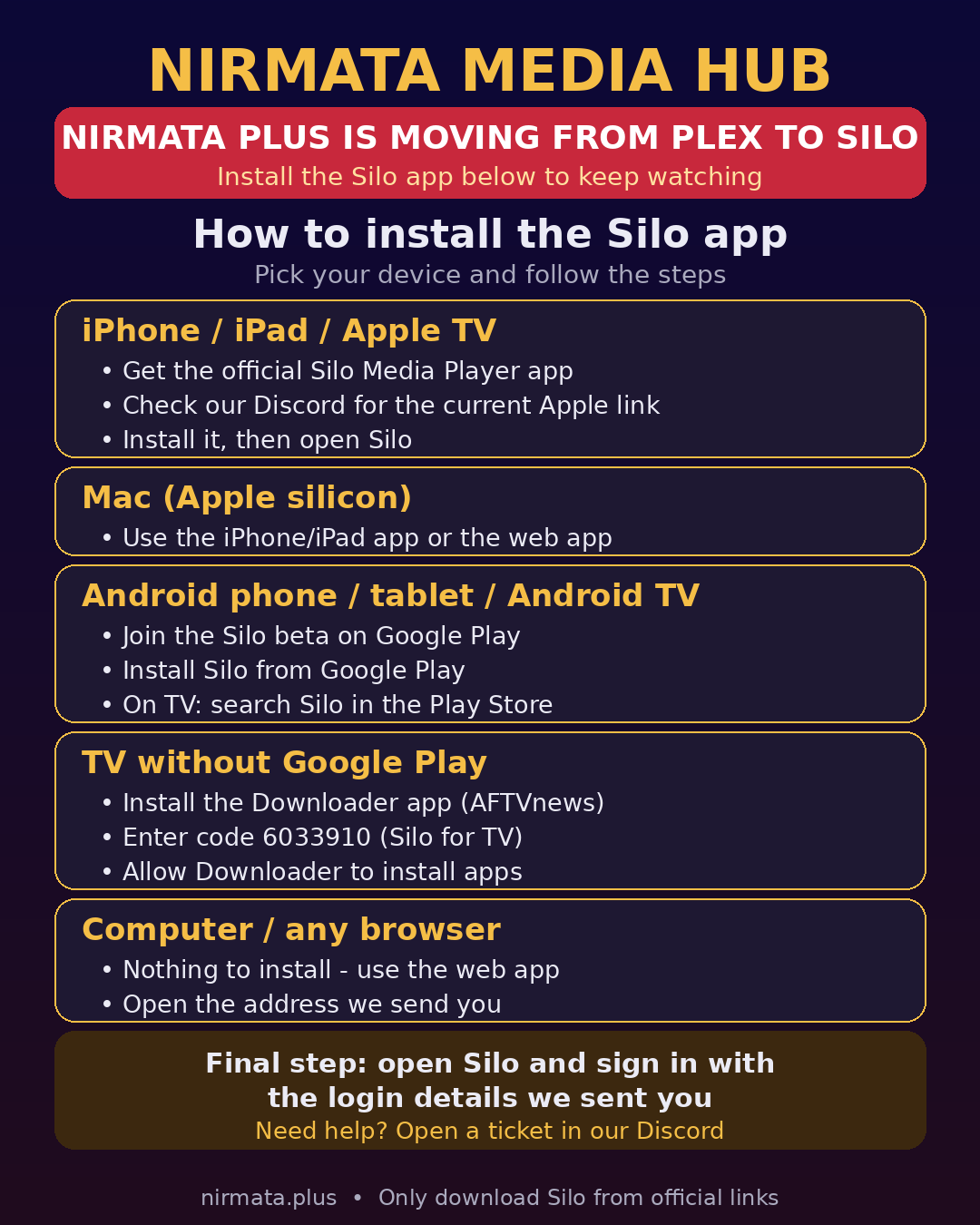
Tap to open full size.
The Nirmata Media Hub Team · Need help? Open a ticket in our Discord.